

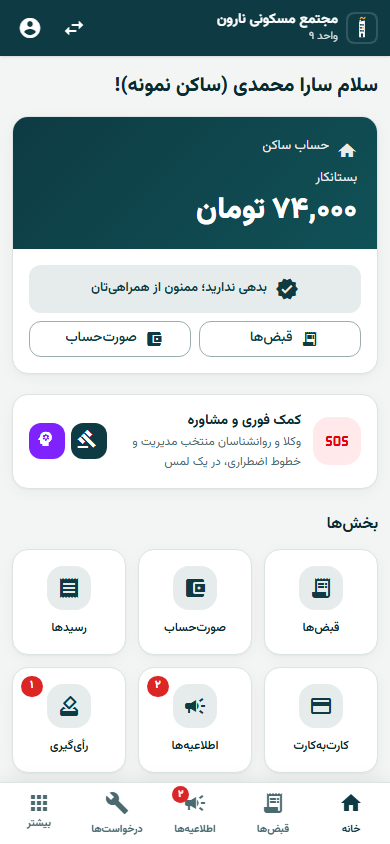
No app store
Installs straight from the site, no store account or regional restrictions.
Opens instantly
Full screen without the browser bars, like a real app, from its home-screen icon.
Tiny download
A few hundred kilobytes instead of tens of megabytes.
Always up to date
New features arrive by themselves; nothing to reinstall.
Install in under a minute
Choose your phone and follow the steps.
- 1Open this page in ChromeOpen this page in Chrome (or Samsung Internet, Edge).
- 2Tap the ⋮ menuTap the three-dot button at the top of the browser.
- 3Choose «Install app»Tap «Install app» or «Add to Home screen» and confirm «Install».
- 4Done!The ApartemanChi icon is on your home screen and in your app list; open it from there.